
Skip to the counter

a quieter way to learn software

Start with a clean counter. Make one thing make sense.

Borudaxi is a learning kitchen for people who want to turn unfamiliar code into small, useful habits—one careful recipe at a time.
01
Small builds, named plainly
02
Questions welcome at every stage
03
Leave with your next step
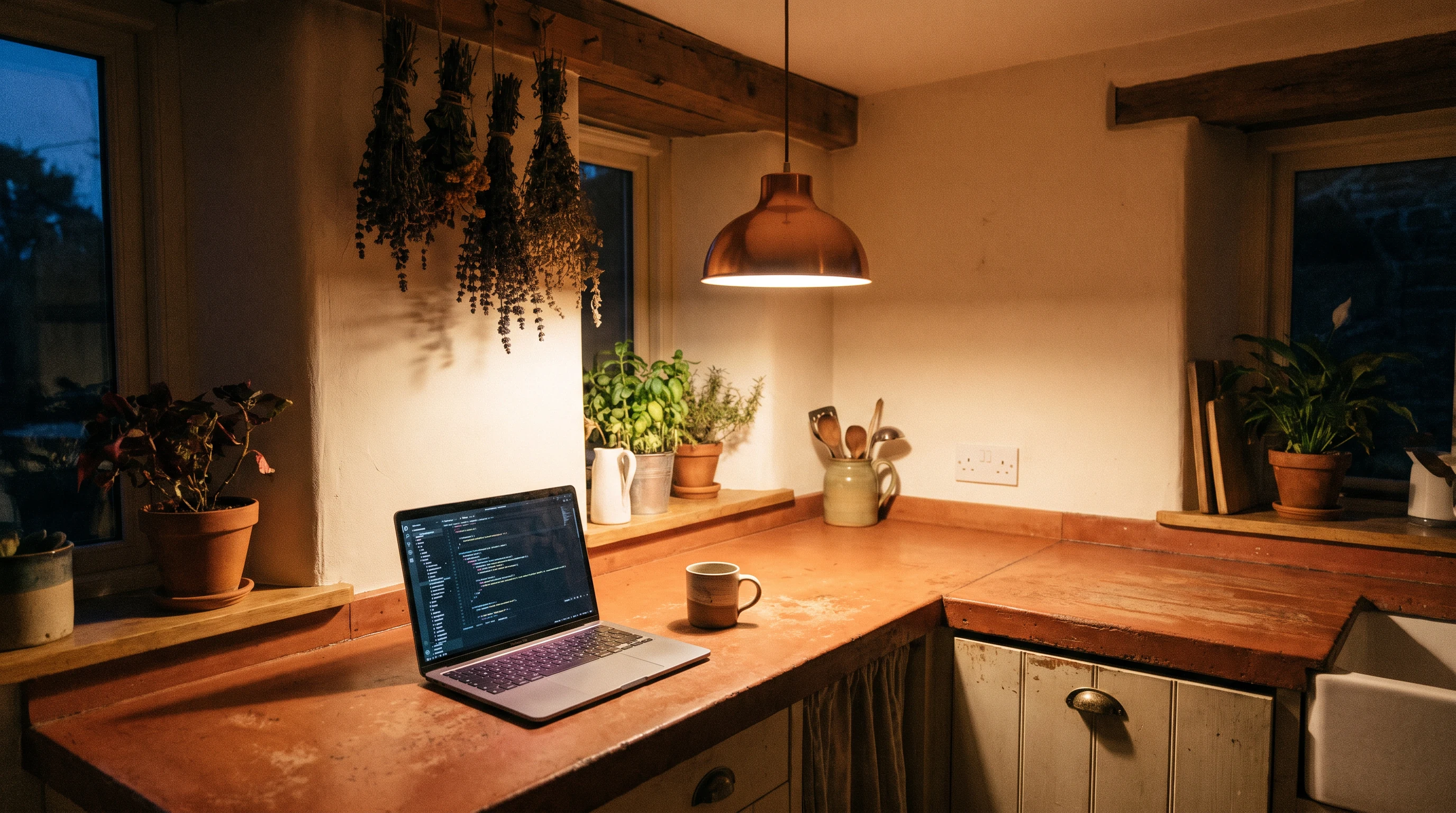
A calm kitchen desk with a laptop, herbs, and warm pendant light
Today’s counter: calm tools, room to think
Keyboard, notebook, cups, and rosemary arranged on a table

daily special

The reading list that becomes a tiny tool.

Take a short piece of content and turn it into an accessible, filterable page. A useful place to practice structure, state, and a little restraint.

A small notebook, spoon, coffee, and keyboard in warm light
Everything in reach, nothing extra.

mise en place

Set out the ingredients before you begin.

You do not need a complicated setup. Bring a browser, a place to make notes, and an example you care enough to remake.

A browserfor testing the taste
A scratchpadfor naming what changes
A code editorfor arranging the ingredients
Curiosityfor checking the result

learning stations

Three passes through the kitchen.

Move between focused practice, a shared table, and a moment to write down what you noticed.

Person working at a warm kitchen counter

PASS 01

Prep

Find the smallest version of the idea and label its parts before you add more.
People learning together at a long work table

PASS 02

Pair

Compare approaches. Ask why a choice works, not only whether it works.
A group gathered around a kitchen work table

PASS 03

Plate

Make the outcome legible enough that another person can pick it up.

recipe tester

Pick a need. We’ll set out a first implementation recipe.

This is not a prescription. It is a small way to name the parts before your hands reach for the keyboard.

Person reviewing notes beside a laptop at a table
IMPLEMENTATION RECIPE

FOR A CLEAR PAGE

Start with the landmarks.

  1. Write the page purpose in one sentence.
  2. Place a heading, main content, and a next action.
  3. Read it without looking at the styling.
HTML · browser · notes

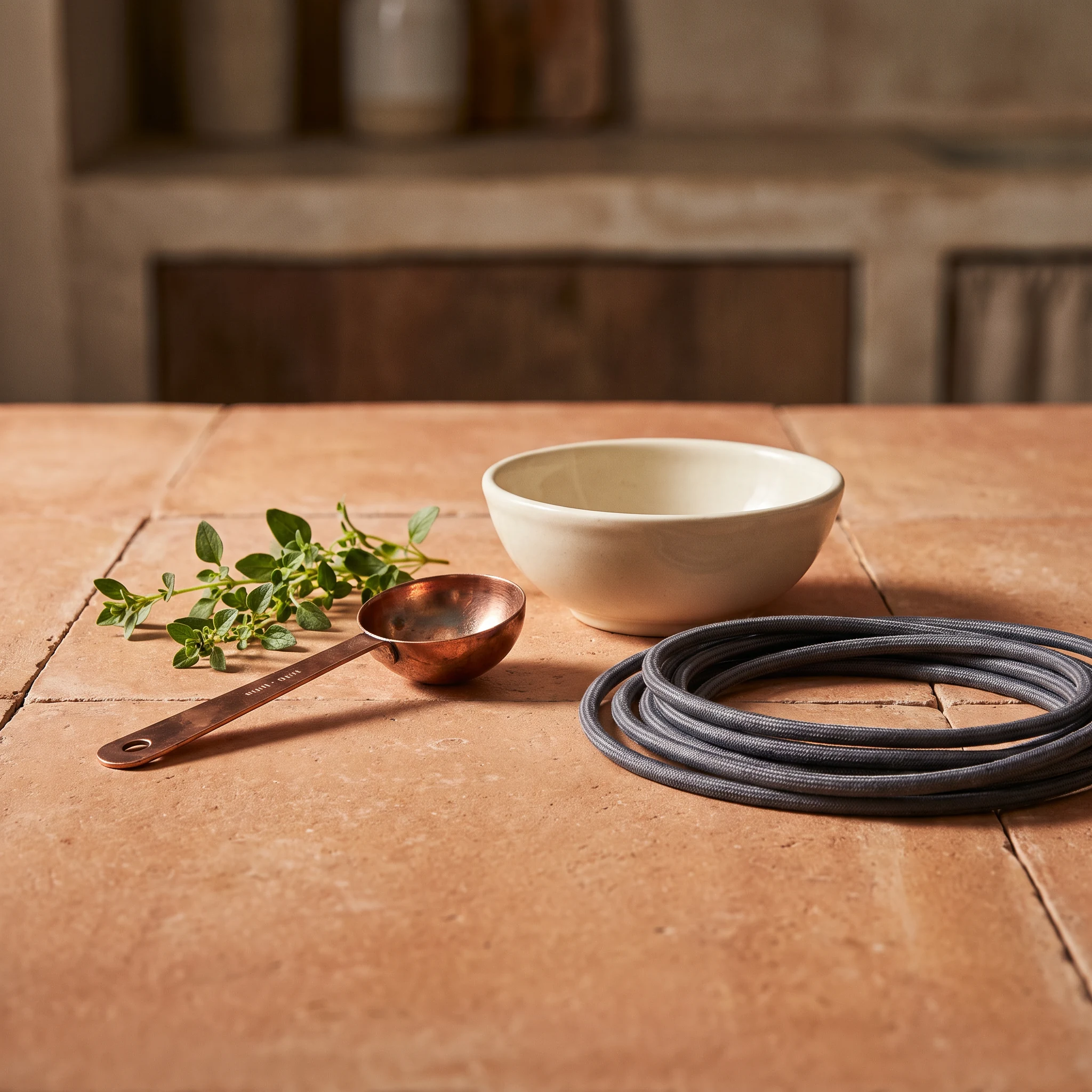
Herbs, bowls, and a coiled cable on a wooden kitchen table

ingredient shelf

A short shelf beats a crowded cupboard.

Semantic HTMLThe vessel that makes a page understandable.
Deliberate CSSThe seasoning: enough to clarify, not distract.
Plain JavaScriptThe small motion that gives an idea a response.
Good questionsThe habit that keeps a build from becoming a guess.
Person holding a note beside a laptop in a warm kitchenService window

troubleshooting clinic

Something stuck? Bring it to the window.

Explain what you expected, what happened instead, and what you already tried. That is more than enough to begin a useful conversation.

Look closely

Read the exact message. Notice the line, the state, and the browser.

Make it small

Remove pieces until the troublesome bit is easier to see.

Say it plainly

Trade a vague “broken” for a clear before-and-after.

Send a kitchen pass

build ticket board

A useful order for a small build.

Keep a ticket narrow enough to finish. Let the next ticket come from what the first one teaches you.

01

Order

What should this little thing help someone do?

Write the one-sentence job.
02

Arrange

Which parts belong on the page, and in what order?

Sketch the smallest path.
03

Respond

Where should a person’s action change the experience?

Choose one honest interaction.
04

Review

Can a new pair of eyes understand what happened?

Leave a note for tomorrow.

closing course

Before you leave the table.

Pack the next action while the details are still warm.

KeepThe smallest working version
NoteThe decision you made and why
Try nextOne change you can explain
Get in touch

questions from the pass

A few things worth asking out loud.

No. The earliest work is about noticing how a page is put together and making a very small change on purpose. Familiarity grows from repetition and explanation, not from arriving with a vocabulary already memorised. You can begin with a browser, a question, and patience for a few experiments.

An error message can feel abrupt, but it is often a useful description of the browser’s point of view. Keep the exact wording, look at the smallest relevant section of your code, and describe what you expected to happen. This turns a frustrating moment into something concrete another person can help you inspect.

Cooking makes room for preparation, tasting, adjustment, and a little iteration without implying that every result must be perfect. Software work has similar rhythms. The metaphor helps us keep the work approachable: select a few ingredients, follow the sequence, check the result, and leave the counter clearer than you found it.

A short description is plenty: tell us what you are trying to make, where you paused, and what kind of explanation would be useful. If there is code or an image, you can describe the relevant part rather than sending everything. A clear starting point makes the conversation calmer and more practical for everyone involved.

kitchen pass

Leave a note at the pass.

Tell us what you are learning or what you are trying to untangle. This form stays in your browser and gives you a simple confirmation.